|
|
||
|
|
|
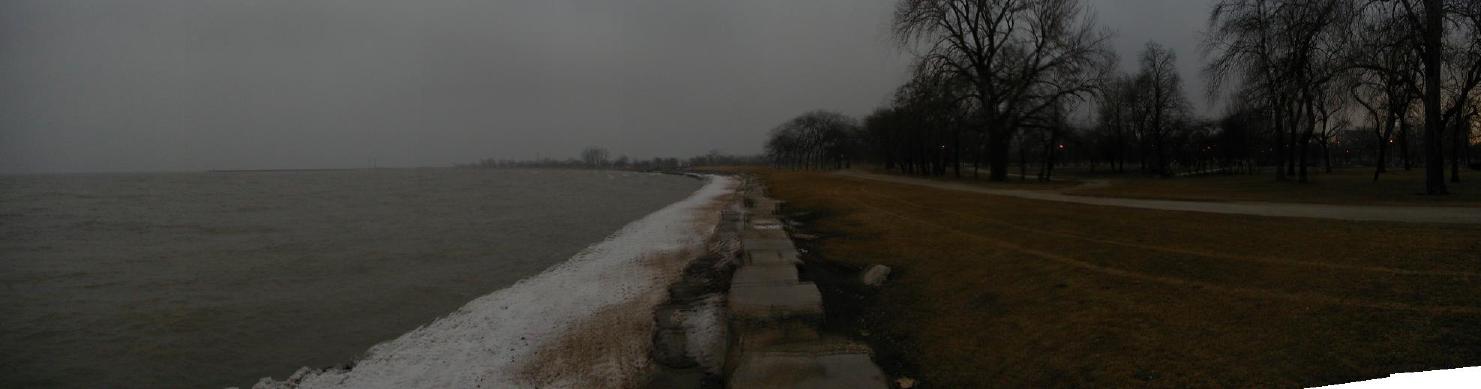
This one is just a boring shot of the Chicago lakefront on a crummy day in February. But it shows how these panoramas basically work. It was actually six different pictures that were digitally 'stitched' together into one long image. I ought to make a better panorama on a nice day in an interesting place!
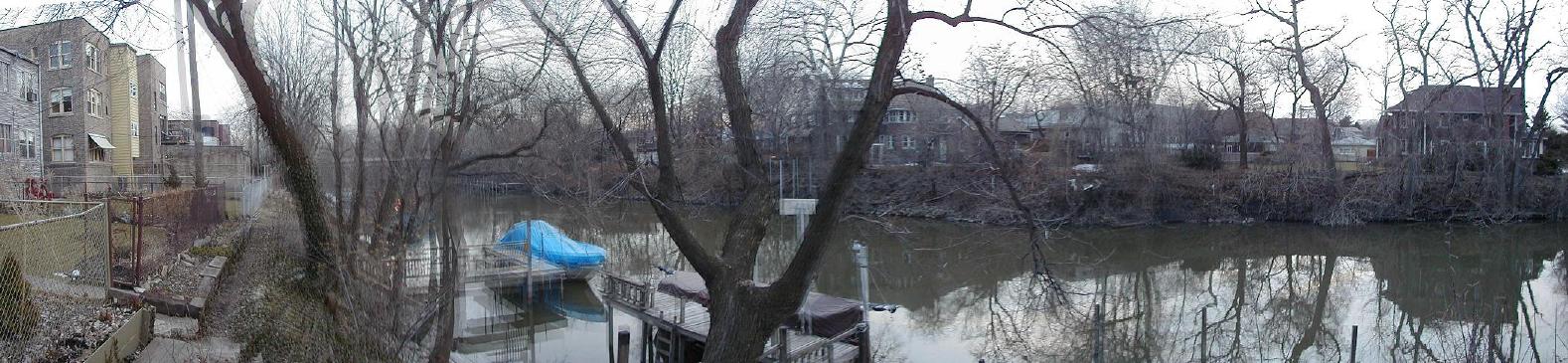
This one is of the Chicago River. As you can probably tell, the program that came with my digital camera to stitch together photos doesn't always get things totally right. In a few places, the branches of trees, for instance, that were from two different photos don't line up exactly. There is a sort of 'double image' in a few parts of most pictures. But I'm still learning how to make these panoramas better.
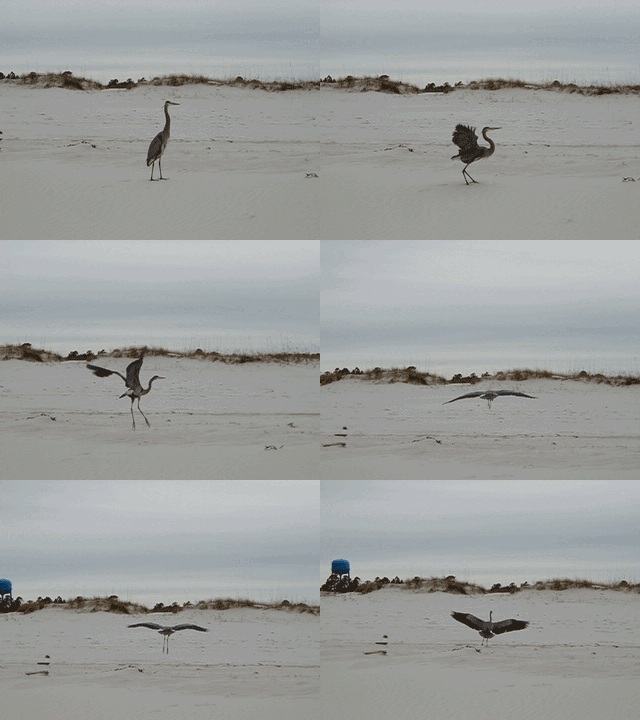
I've got another cool sequence of a teacher walking around and students doing stuff, which I'll eventually animate and post here. Until then, this animation is pretty good, too. This is a heron on a beach in Florida. I used my digicam's sequence mode to shoot two pictures a second of the bird as it took off, then landed. Believe me, it was tough to get the bird to take off in the first place, while standing there with a camera. Originally, each frame in this animation was a full 640 by 480 JPEG file, but I scaled things down and rolled them into a single animated gif. Nice of me to do all this work just for you, eh? |
|
|
||



 Here
are a few photos I've taken which basically serve as
examples of cool stuff that you can do with a digital camera
but not with film. Learn more about the pros and cons of
"going digital" on my
Here
are a few photos I've taken which basically serve as
examples of cool stuff that you can do with a digital camera
but not with film. Learn more about the pros and cons of
"going digital" on my